HR Alerts
Cyber Risk Mitigation Made Simple: 5 Controls Every Business Can Print and Post
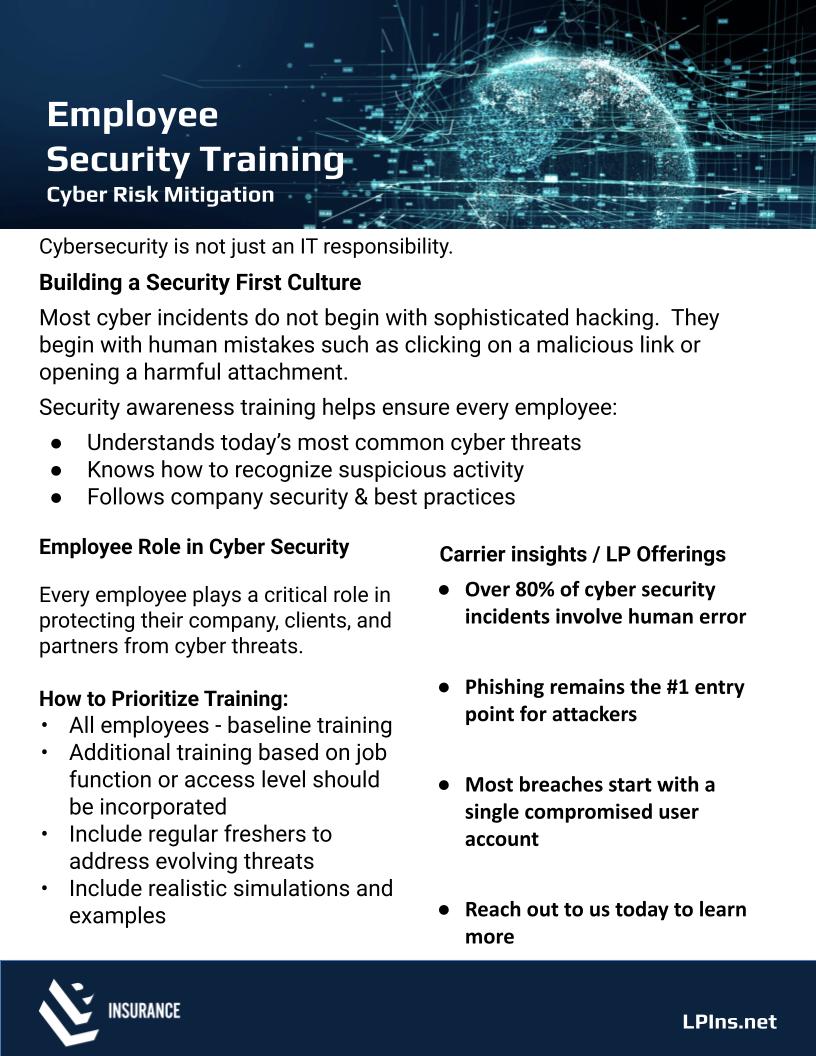
At LP Insurance, we protect more than policies—we protect the people and dreams behind them. Cyber risks aren’t just an IT issue; they’re a business issue. To help your team take confident, immediate steps, we created a one-page flyer you can download, print, and post. It covers five proven controls that reduce business interruption and financial loss, and they align with what insurers increasingly expect.
1) Enable Multi‑Factor Authentication (MFA)
MFA adds a verification step beyond a password—such as an authenticator app, hardware key, or biometric. Even if a password is stolen, MFA blocks most unauthorized access.
Where to start:
- Prioritize MFA on email, payroll/HR, banking and vendor portals, remote access (VPN/RDP), and any cloud app with client or employee data.
- Choose strong methods: Authenticator apps, hardware keys, or biometrics over SMS.
- Roll out in phases: Admins and financial systems first; then all users.
- Enforce and monitor: Require MFA for password resets and review accounts with MFA disabled.
2) Train Employees to Spot and Stop Threats
Most incidents begin with a human mistake, often a phishing email. Security awareness builds a culture that notices and reports risk.
Recommended cadence:
- Baseline training for all employees during onboarding and annually.
- Role-based refreshers for finance, HR, IT, and privileged users.
- Ongoing micro-trainings and realistic phishing simulations.
3) Keep Software Updated with Patch Management
Unpatched systems and third‑party apps are common entry points.
Quick wins:
- Maintain an asset inventory for servers, endpoints, and cloud apps.
- Turn on automatic updates where safe; centrally manage critical patches.
- Prioritize high-severity vulnerabilities and internet-facing systems.
- Test and deploy within defined SLAs (e.g., critical patches within 14 days).
- Don’t forget third‑party apps like browsers, Java, PDF readers, and plugins.
4) Enforce Strong Access Controls
Apply least privilege so users have only the access they need, nothing more.
Essentials:
- Role-based access with manager approval and periodic access reviews.
- Restrict local and domain admin rights; separate admin accounts with MFA.
- Promptly disable access for role changes and departures.
- Use single sign-on (SSO) with MFA for consistency and visibility.
5) Back Up Critical Data and Test Recovery
Backups turn a ransomware event into an IT recovery—if you can restore quickly.
Best practices:
- Follow the 3-2-1 rule: 3 copies, 2 media types, 1 offsite/offline or immutable.
- Back up servers, SaaS data where feasible, and key configurations.
- Test restores quarterly; document recovery time (RTO) and data loss (RPO) targets.
- Protect backups with MFA and separate credentials.
Download the Flyer: Print and Post Today
Keep these steps in sight. Download our one-page checklist, print it on letter paper, and post it in your breakroom, IT area, and onboarding packet.
Download: LP Cyber Risk Mitigation Flyer (PDF)
Need help implementing? Schedule a 15-minute consult with our cyber team.
Why These Controls Matter for Insurance
Strengthening these five areas can improve insurability, streamline underwriting, and may influence pricing and terms. We’ll guide you through what carriers commonly require and how to close gaps with confidence.
FAQs
Many carriers now require MFA on email, remote access, and privileged/admin accounts. Meeting these requirements can speed up binding and claims confidence.
Start with MFA on email and remote access, run baseline security training, and confirm backups are working and tested.
Apply critical patches as soon as practicable (often within 14 days) and schedule monthly maintenance for the rest. Internet-facing assets deserve priority.
At least quarterly, with a documented, timed test that includes restoring key systems and verifying data integrity.
We’re here to help you protect what you’ve built. Contact LP Insurance to review your cyber posture and align controls with coverage.